
Download Ps2 Games for Nethersx2
If you just Download the Nethersx2 classic or patch and want to Get compatible Classic ps2 Games for nethersx2, you are at right destination.
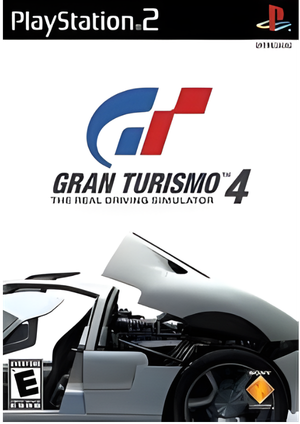
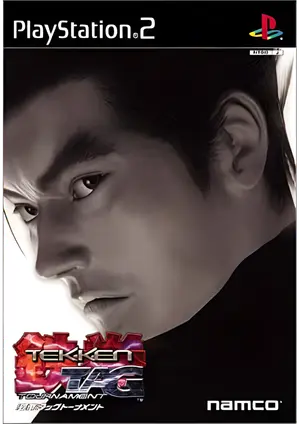
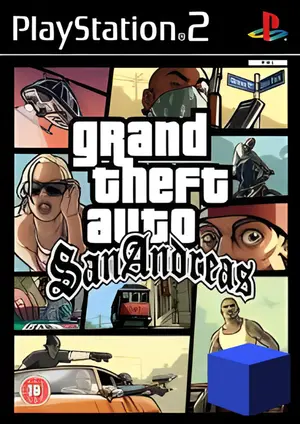
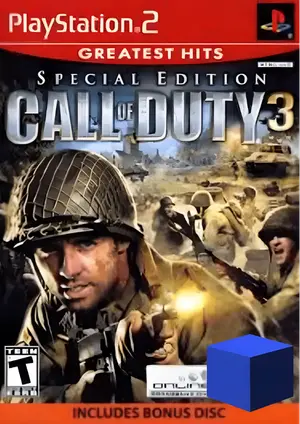
What is nethersx2?
NetherSX2 is a community-maintained fork of AetherSX2, the Android-based PS2 emulator that was abandoned by its original developer in early 2023. When AetherSX2 went dark, the emulation community stepped in and created NetherSX2 — a patched, improved version that removes ads, squashes bugs, and adds performance improvements that the original never received.
What are Nethersx2 Compatible games?
NetherSX2 is compatible with the majority of the PS2 library. Based on the PCSX2 emulator core, it supports around 90–95% of PS2 games, mentioned in compatibility list.
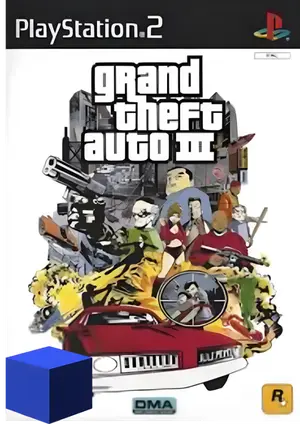
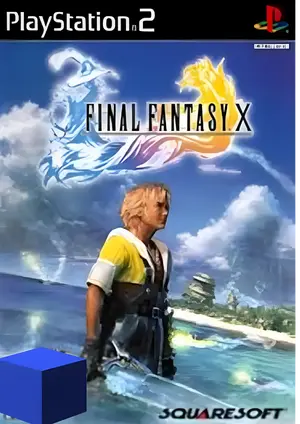
Titles like Final Fantasy X, Tekken 5, Resident Evil 4, and Dragon Ball Z: Budokai Tenkaichi 3, falls under the high compatibility range run with stable FPS and clear audio while heavy titles like God of War II, Persona 4, and Silent Hill 3, may carry noticeable glitches.
Supporting Game formats
NetherSX2 supports multiple PS2 game file formats, letting you load and play your legally‑owned games without converting them in many cases:
ISO
Most common and recommended format directly readable format without conversion.
BIN
Another standard disc image format supported by many emulators, usually paired with a .cue file.
CHD
Also support compressed Hunks of Data format, which uses lossless compression to save storage space while keeping full game content.
How to add games in NetherSX2?
- Install the Cethersx2 classic or patch latest version.
- Apply the emulator’s best setting to avoid any Glitch.
- Download the Game compatible ps2 BIOS for nethersx2.
- Import the BIOS file in Emulator.
- Download your wished Ps2 game for Nethersx2.
- Make sure that Game is in .iso , .bin or any other supporting format.
- Setup your controller.
- Enjoy the game.
Suggested settings for smoother gameplay:
Common Issues and How to Fix Them
Game crashes
Commonly due to version or region mismatch → Confirm your ISO region matches the BIOS; try a different NetherSX2 build.
Game Lag / low FPS
Its due to too many background apps or high upscaling → Disable experimental patches, lower to 1x upscaling, close other apps.
Controller not responding
Reconfigure input bindings inside the NetherSX2 settings menu. Input profile misconfigured may cause this.
Black screen on boot
Missing or incorrect BIOS will be the reason → Replace the BIOS file with a verified dump matching your console region
Patch codes not working
Its due to too many background apps or high upscaling → Disable experimental patches, lower to 1x upscaling, close other apps
Controller not responding
Wrong serial number or bad formatting → Verify the game’s CRC in the emulator; re-check the PNACH filename
Final words
NetherSX2 is the best, actively maintained, completely free of ads PS2 emulator for Android available right now compatible with an enormous slice of the PS2 library. Whether you’re playing low-demand PS2 games on a mid-range phone or pushing God of War II to its limits on a flagship device, the emulator has the tools and flexibility to deliver a great experience.
The PS2 library is one of gaming’s greatest treasures. NetherSX2 puts all of it in your pocket. Enjoy every second of it.