
Download
Aethersx2 BIOS
Download the official, fully functional, updated USA, Europe, Japan and Asia PS2 BIOS image file 4mb for aethersx2 android emulator.








About the Aethersx2 BIOS
|
File Name |
PS2 Bios |
|
File Size |
4.0 Mb |
|
Supporting OS |
Windows, iOS and Android |
|
Downloads |
500k+ |
|
Supporting Emulator |
PCSX2, PS2emu, AetherSX2, |
|
Last Update |
April 29, 2025 |

What is the PS2 BIOS?
The PS2 BIOS is low-level firmware stored on a chip inside the console. It acts as a bridge between the PlayStation 2 hardware and its system software, ensuring stable performance and proper initialization. The BIOS is also responsible for booting games from discs or memory cards and managing system CPU operations.
In emulation, on platforms such as AetherSX2, PCSX2, and Play!, the BIOS allows the emulator to replicate the behavior of an original PlayStation 2. This makes it possible to initialize the system CPU correctly, boot games, and achieve smooth gameplay.
Regional based Bios file for aethersx2
The PlayStation 2 was released worldwide across multiple regions, each with its own set of games and a corresponding BIOS file.
NTSC-U (USA)
Aethersx2 BIOS USA is the most commonly used version of the ps2 console made for regional games of North America featuring 60fps frame rate and resolution up to 480 lines.
NTSC-J (Japan)
This first ever released BIOS file is designed for the games of the JAPAN region. Regional language support and specific settings are additional features alongside 60 fps frame rate and 480 resolution.
PAL (Europe & Australia)
Aethersx2 Europe BIOS file is made on the PAL standard with the operating capabilities of 50hz and 576 lines resolution. It is compatible with the games of Europe and Australia Region.
China & Other Regions (NTSC-C)
This is a very rarely used BIOS file only for the regional games of Asia including China and Korea.
Aethersx2 BIOS files based on model
Another way to categorize the ps2 BIOS is based upon their SCPH or model number. Here is the detail:
SCPH-10000 Series:
This is the earliest PlayStation 2 console, based on the NTSC-J format, designed for Japanese region games like Street Fighter EX3 and DrumMania. It did not include built-in DVD movie playback support in its BIOS, and instead often required a memory card with the DVD player software installed.
SCPH-30000 Series
The SCPH-30000 series introduced improved DVD playback and greater system stability and enhanced games compatibility. Released in Japan, the USA, and Europe, each model was tailored to its region—for example, SCPH-30001 for North America.
SCPH-50000 Series
These models were designed with regional encoding for PAL territories, featuring updated DVD playback and a quieter BIOS optimized for European and Australian games.Designed for european countries and australia
SCPH-70000 Series (Slim Models)
This is the less commonly used BIOS file designed for the Slim ps2 console models with hardware improvement, enhanced efficacy and reduced power consumption sold in the china region.
SCPH-90000 Series
The SCPH-90000 series marked the final slimline PlayStation 2 models, released worldwide with region-specific variants such as SCPH-90001 (North America) and SCPH-90004 (Europe).
All games compatible BIOS
These are the community build version of PS2 BIOS with multiple files in a single frame allowing users to switch between regions for troubleshooting
Selection of the BIOS for Aethersx2
PlayStation 2 games are region-locked, and choosing the correct AetherSX2 BIOS file depends on factors such as the game’s region, device type, hardware version, language preference, and emulator compatibility. In most cases, the region is listed on the game’s packaging. You can identify it from the region codes on the back of the game: “1” for NTSC-U/C (North America), “2–4” for PAL (Europe), and “0” or “3” for other regions. If you’re unsure of the region, the USA BIOS is generally the safest option, as it tends to be compatible with most games.
How to Download BIOS File for Aethersx2
Well installation and configuration of ps2 BIOS on aethersx2 is just a few step procedure. You can dump bios files from your console which is always preferred. There are multiple online sources offering these files, be aware of malware. If you don’t have access to the playstation 2 console then download this from the button above. Follow these steps to import and configure it on Aethersx2.
Procedure to Download BIOS file for Android
- Click on the download button.
- A prompt will appear asking for permission to download from an unknown source which you have to allow.
- After allowing this, download will start. It will take a few minutes.
- Save this file to your device.
- Now just launch Aethersx2 apk and navigate to the BIOS import section.
- Click on + and look at the folder where you saved the file earlier and import it.
- Remember this file should be in .bin format.
Procedure to Download BIOS file for PC/Window
The process of downloading and configuration of Aethersx2 BIOS will be the same if you are using Aethersx2 inside MEmu or NOX. In case of other emulators like PCSX2
- After the installation of emulator do to the BIOS settings
- Select your BIOs file and import it.
If it is in .zip format, you have to extract the file using Zarchiever or WinRAR. First download the app from playstore. Then open the app and extract the file and save it to your device’s internal storage.
BIOS configuration on aethersx2
- First Launch the latest version of AetherSX2 app
- Allow the emulator to access resources on your device by giving permission.
- Configure Settings:
- If you have a high-performance phone you can choose Vulkan for graphics rendering. Start with the resolution 1x and move onward if your device supports.
- If you have a lower or mid-range phone go with OpenGL for graphics and set Resolution to 0.75x or 1x.
- Import Ps2 BIOS
- After these configuration navigate to BIOS Settings menu. Here you will find + Sign. Just tap it.
- Select the appropriate dumped BIOS from the folder where you saved it earlier.
- Final Step
- Your emulator is ready to use. Move to the Game Directory and choose the folder where your games are stored.
- After importing the BIOS and selection of game folder, tap “finish” to complete the setup and start enjoying 🎮.
Features of the ps2 BIOS on aethersx2
Proper initialization of hardware
Aethersx2 BIOS is indispensable for initializing the PS2’s hardware environment, such as the CPU and memory, to ensure stable emulation. Issues like black screens, crashes, or failure to boot games appear without a valid BIOS
Booting Game Discs
Booting of the ps2 games on console and all the other emulators like Aethersx2 is largely dependent on the BIOS file. This software recognizes and loads the game. It also determines how the system boots from internal disc drive, memory card and network source.
Boot Menu
All retail PS2 BIOS versions from v1.00 to v2.30+ include the boot menu. The menu appearance varies in appearance but has the same constant features. These Boot menus are only visible in the absence of a game disc
System Configuration Interface and file handling
It provides low-level access and management for memory cards, reading or writing of save files, formatting and management of system configuration files (language, video output settings).
PS2 BIOS File for Windows, Android or iOS
There are several emulator options available for playing PS2 games on Android devices, such as AetherSX2, DamonPS2, and even multi-system emulators that support PS, PS2, and PSP. Regardless of which emulator you choose, you’ll need a PS2 BIOS file to run the games properly.
Different emulators to use aethersx2 BIOS
ppsspp
It is a broad-spectrum PlayStation emulator capable of running PS1, PS2, and PSP games, but its compatibility with high-end PS2 titles is not very convincing.

Aethersx2
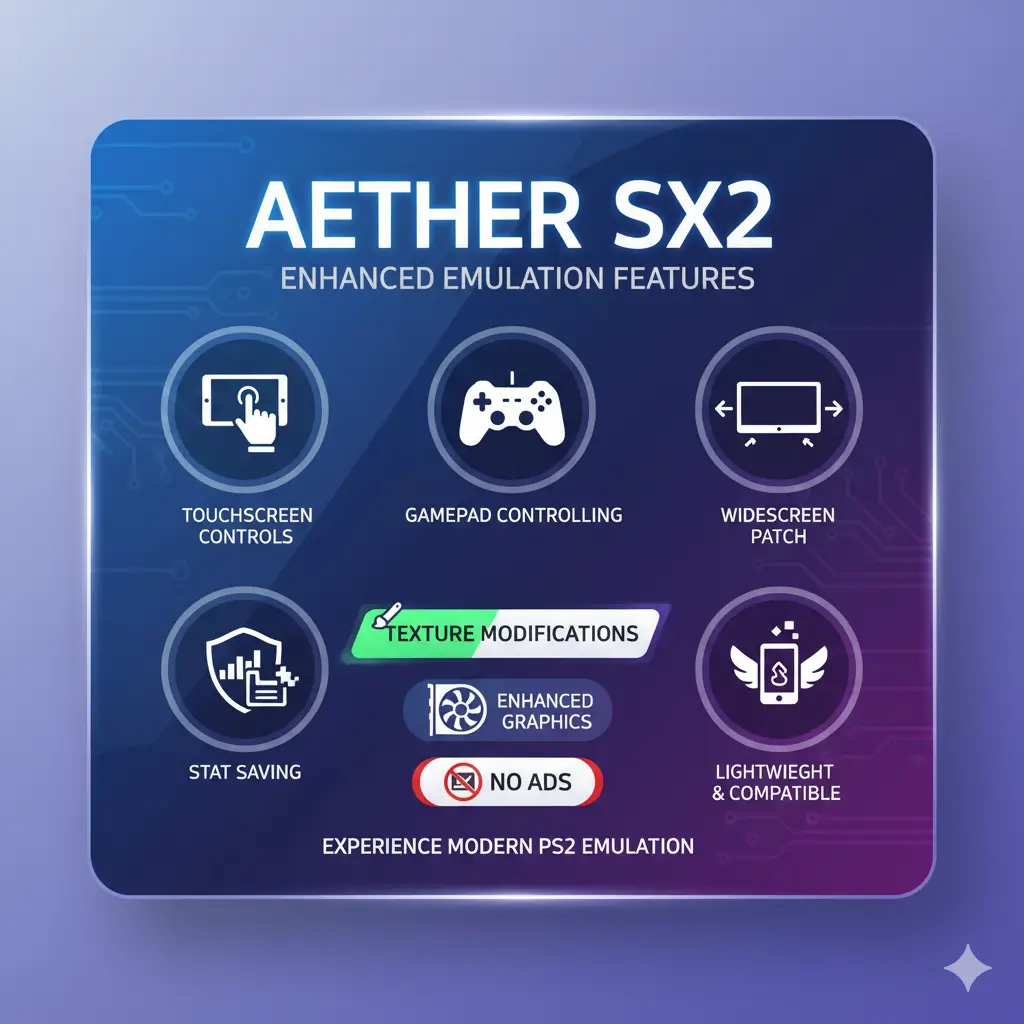
Aethersx2 is a free to download and ads free choice available for Android PS2 games lovers.
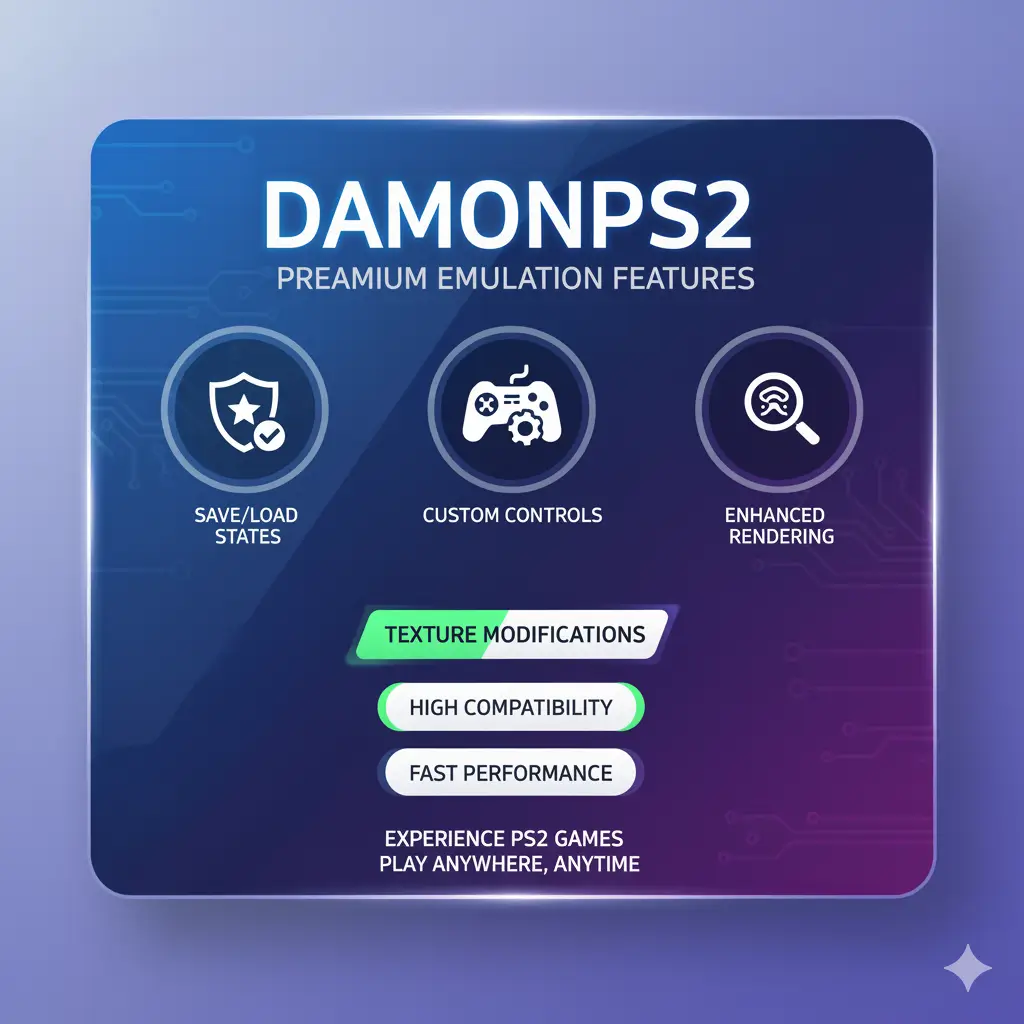
DamonPS2
It is another powerful ps2 emulator that supports heavy ps2 titles like GOD of war, GTA san andreas etc but it may require strong android device specifications.
Best performance Tips
Always Use a recommended BIOS Version for your games.Prefer the USA BIOS (e.g. SCPH-39001.bin) as it is the most stable version with enhanced games compatibility. Some games like Metal Gear Solid 3: Snake Eater have issues with early Japanese BIOS. Also check the Best aethersx2 settings option for more details.
Common Troubleshoot
Performance Issues from BIOS
Using an incompatible BIOS for a game may cause lagging or crashing issues in AetherSX2 . To ensure optimal performance and compatibility, always use a BIOS file from the same region as the game.
“Missing BIOS Image” Error
One of the most common errors people run into when starting AetherSX2 is the “Missing BIOS image” message. This usually happens due to invalid format, corrupt file, and inappropriate importing of file. The file should be valid, .bin formatted and properly configured.
BIOS File Not Detected
This is another widely reported issue among the users across various discussion forums, such as Reddit. The root cause of the problem is similar to that of the missing BIOS image error. Careful implementation of aforementioned guidelines will resolve this issue.
Final Assessment
The Ps2 BIOS is the heart of the any emulator including AetherSX2 and Nehtersx2, which acts as the bridge between Sony’s original PS2 hardware and modern devices. Without it, the emulator cannot properly load or run games. While there are multiple BIOS versions and regions like USA, Japan, Europe and Asia, using a correct and legally obtained dump from your own PS2 ensures both compatibility and compliance. Setting it up is usually straightforward—placing the file in a readable directory and linking it through AetherSX2’s settings. Ultimately, the quality of your experience depends heavily on having a valid BIOS, making it one of the most important components for smooth and accurate PS2 emulation.